← aryan kyatham
Building BrowserStack's Testing Toolkit
Jan 2025 – May 2026 · browserstack.com/testing-toolkit · Chrome Web Store
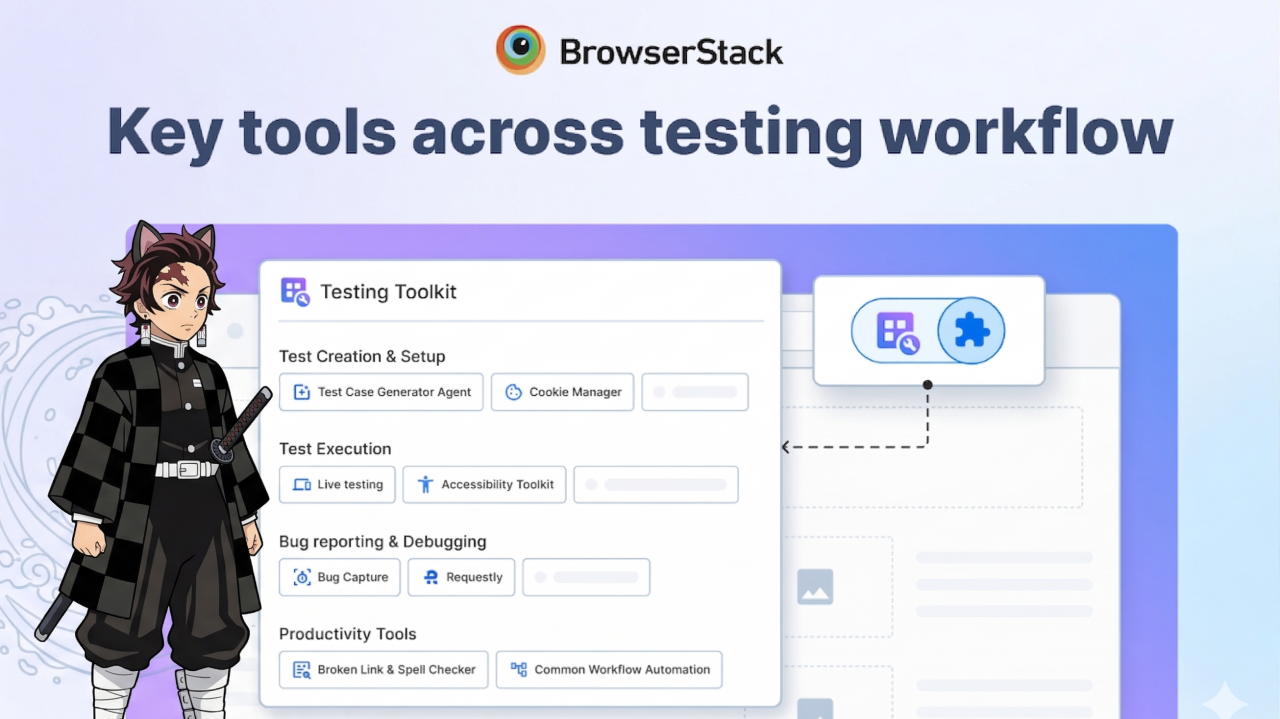
Spent a year building Testing Toolkit for BrowserStack from scratch.
Testing Toolkit (TT) is a single Chrome extension that brings together everything you need for modern manual testing: AI-powered test creation, live testing, debugging and bug reporting.
It helps QAs, SDETs and developers test faster, cut repetitive manual work, and spend more time on automation. One toolkit to test, break, debug and ship better products, faster.
30k+users
$1MARR
15+products built
2–3 daysidea → prod
used by teams at

Everything we built
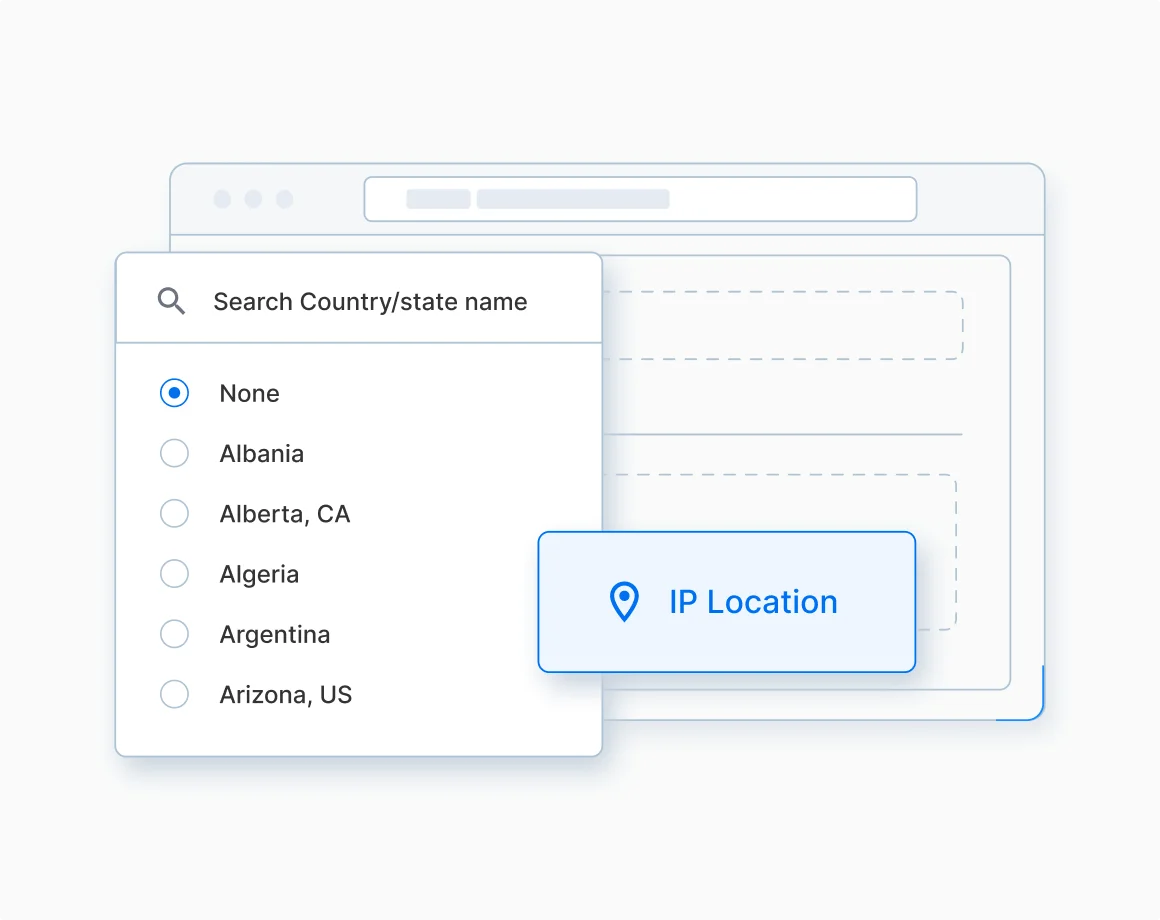
01Geolocation Testing
Switch between 287+ locations to test region-specific content instantly.
Netflix shows different content in India vs the US. As a dev/QA, you need to test all of that. So we built geolocation testing: no VPN hacks, no switching setups, just simulate real users from anywhere in the world.
Detailed tech breakdown →
02AI API Automation & Chaining
Plain English prompts → end-to-end API chains and automated test flows.
Automating API testing and chaining is painful. So we asked: what if you could test APIs in plain English? Upload your Swagger file and say "create user → create order → do payment → fetch details", and the AI generates the workflow, handles the chaining, and runs everything end to end.
Built this in a hackathon… now running in production :p
03Record & Replay
Capture clicks and keystrokes to automate repetitive regression tests.
Ever repeated the same testing steps 50 times? We fixed that. Clicks, typing, navigation: all recorded, all replayable. Perfect for regression testing, workflow automation and debugging flows.
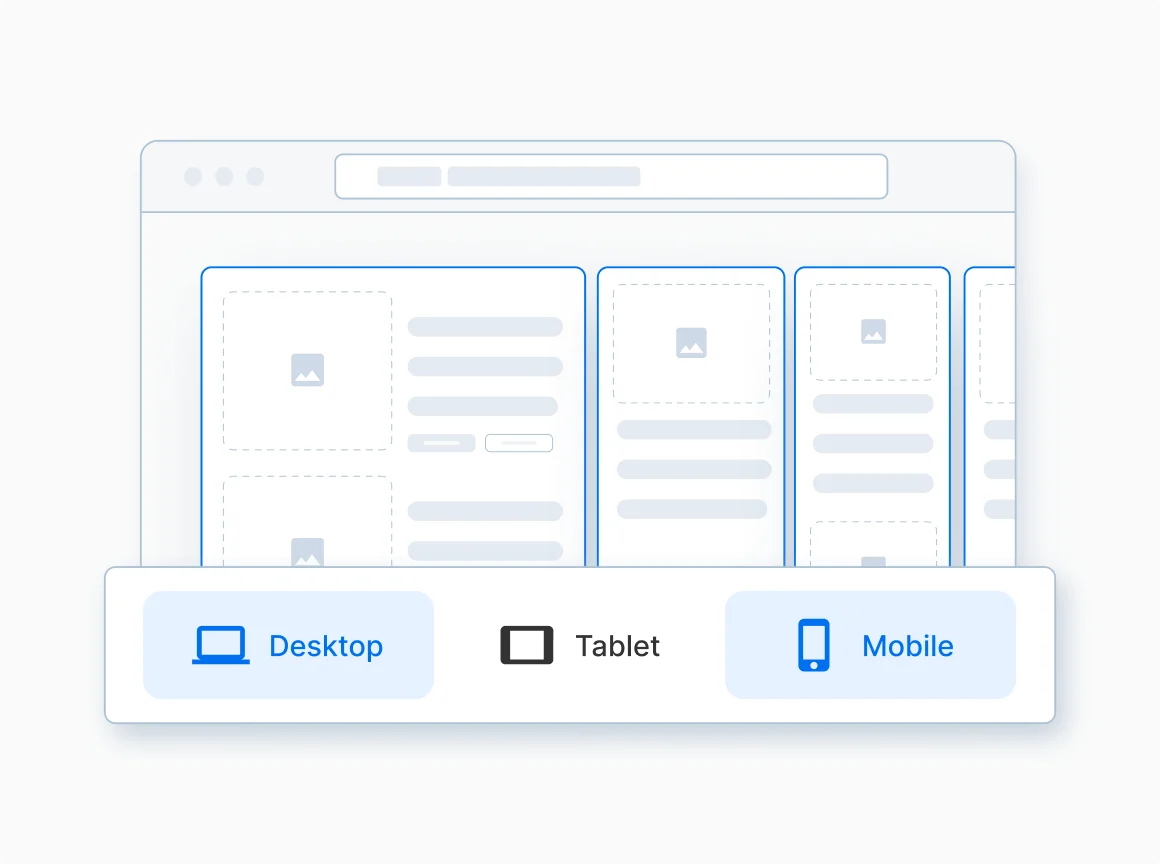
04Responsive Testing
Compare your site's UI across screen resolutions side by side.
Your site looks perfect on your laptop… and completely broken on an iPhone. So we built real-time responsive testing: simulate multiple screen sizes at once and catch UI breaks early.
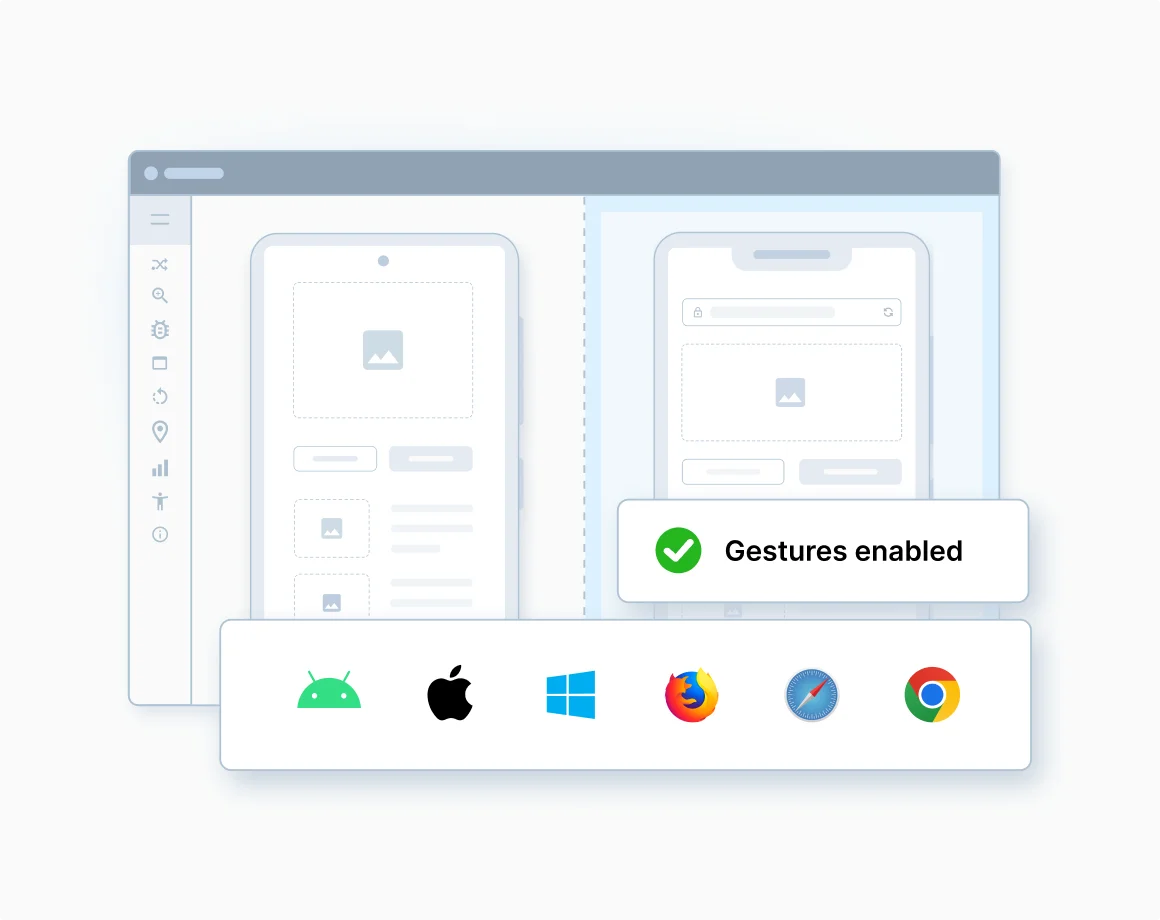
05Live Testing on Real Devices
Instant access to 3,500+ real browser and device combinations.
"It worked on my machine" doesn't count. 30,000+ real devices across Android, iOS, macOS and Windows.
- Test on up to 4 devices at once
- Real device capabilities: payments, media, debugging
- Replicate real user conditions
Because one bug on one device = revenue loss.
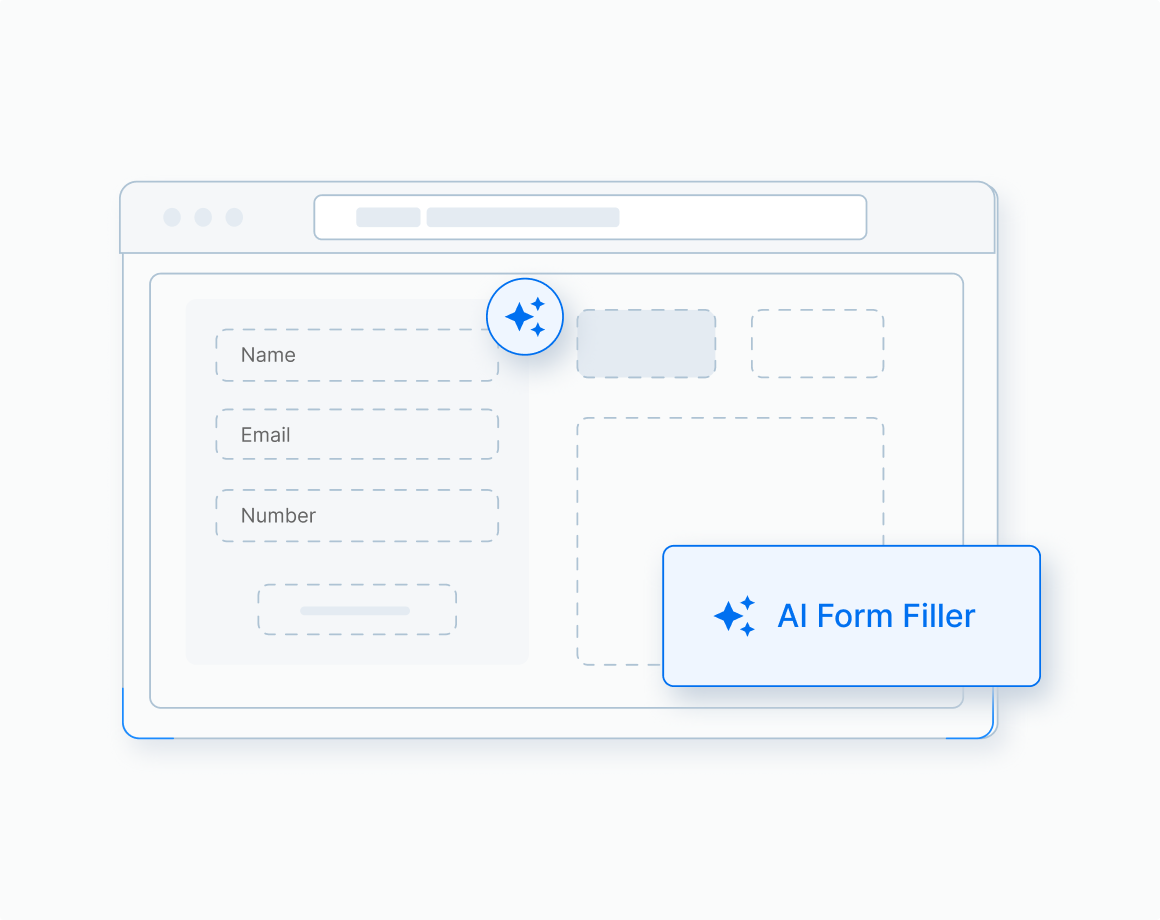
06AI Form Filler
One click, realistic context-aware data for any web form.
Filling forms is pain, so we built an AI that does it for you. It reads the page, understands the fields, and generates realistic test data. Great for QA automation, repetitive testing and edge-case validation. Never fill forms manually again.
07JSON Formatter
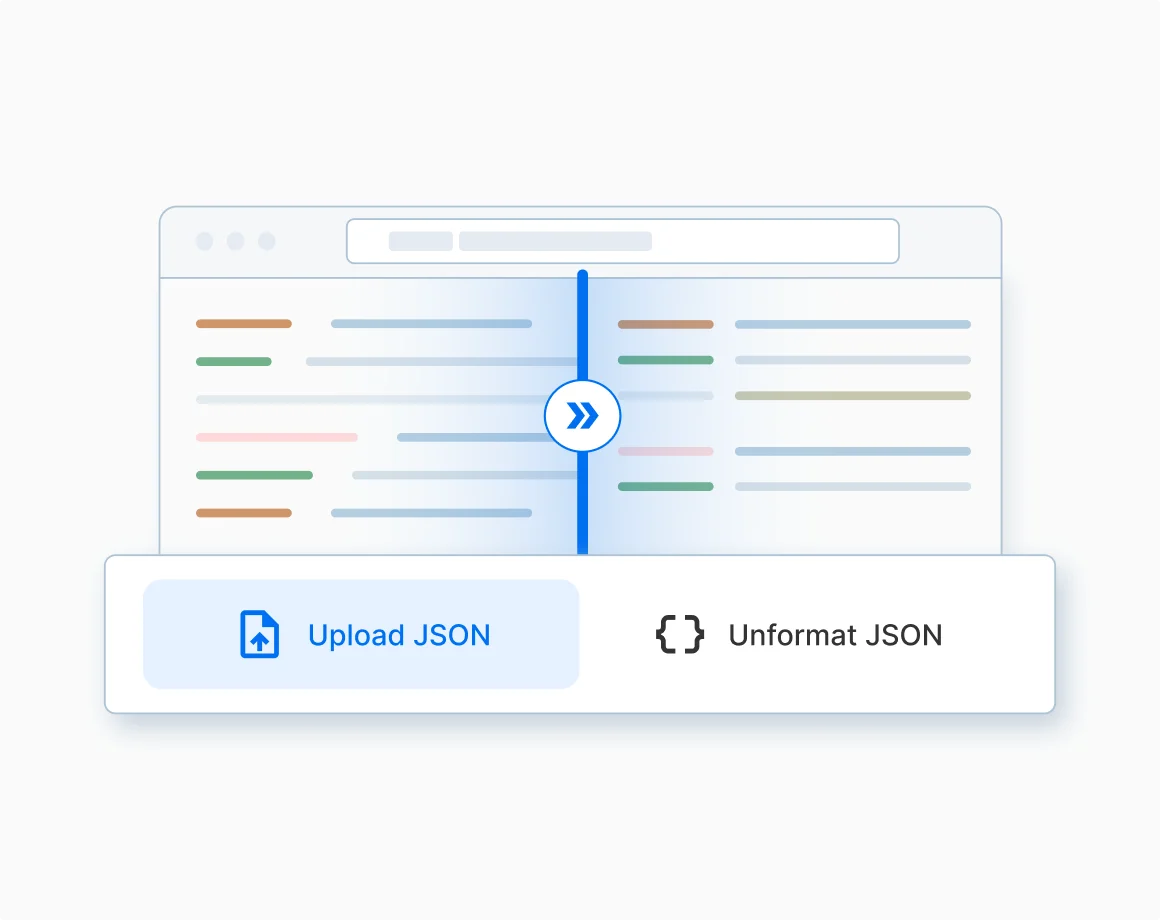
Format, validate and debug messy JSON in the browser.
Messy JSON = headache. Instant formatting in the browser: upload, paste or type. Black & white aesthetic (yes, it matters). Next up: AI auto-fix, JSON diff, custom themes.
08Bug Capture
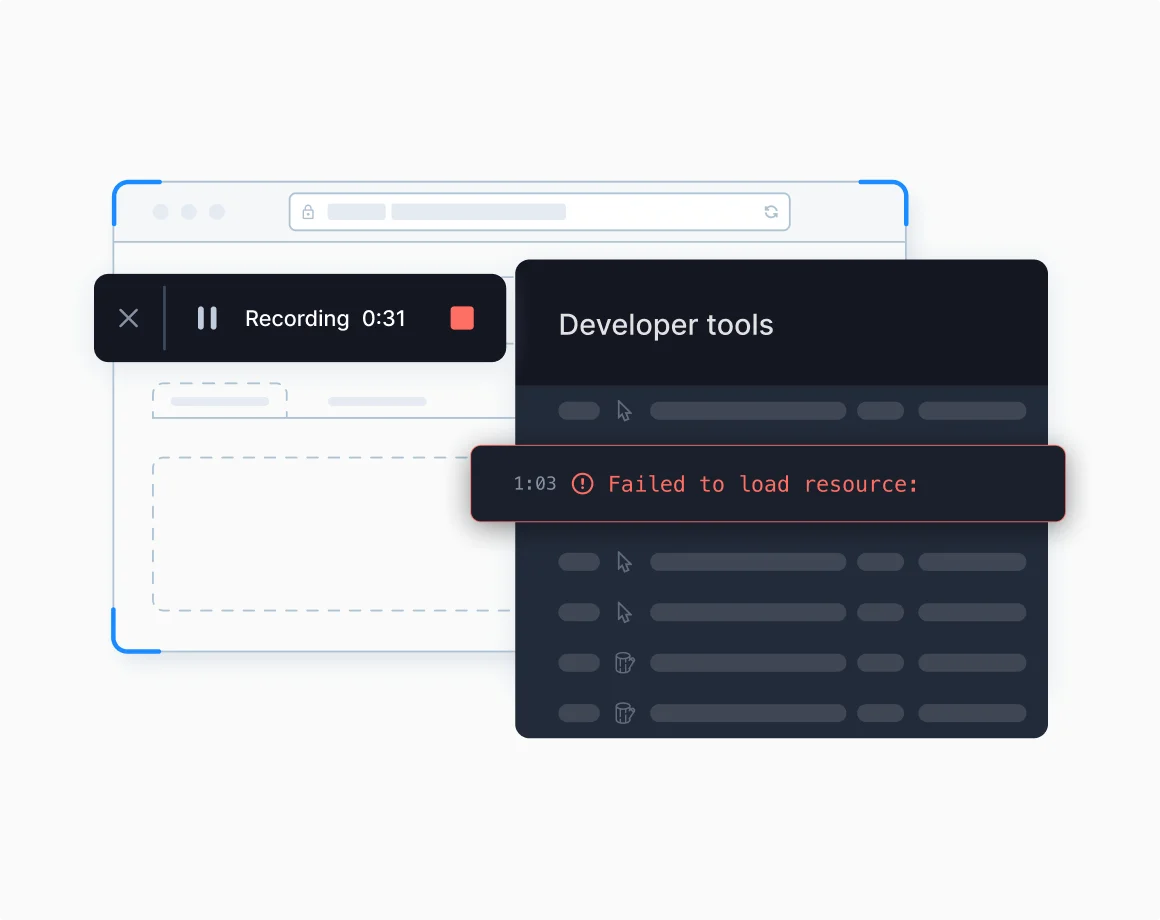
Record your screen with technical logs and create data-rich bug reports in seconds.
Screenshots and videos with console + network logs attached, and the bug report written for you. No more back-and-forth between QA and engineering. See an example report →
09Network Simulator
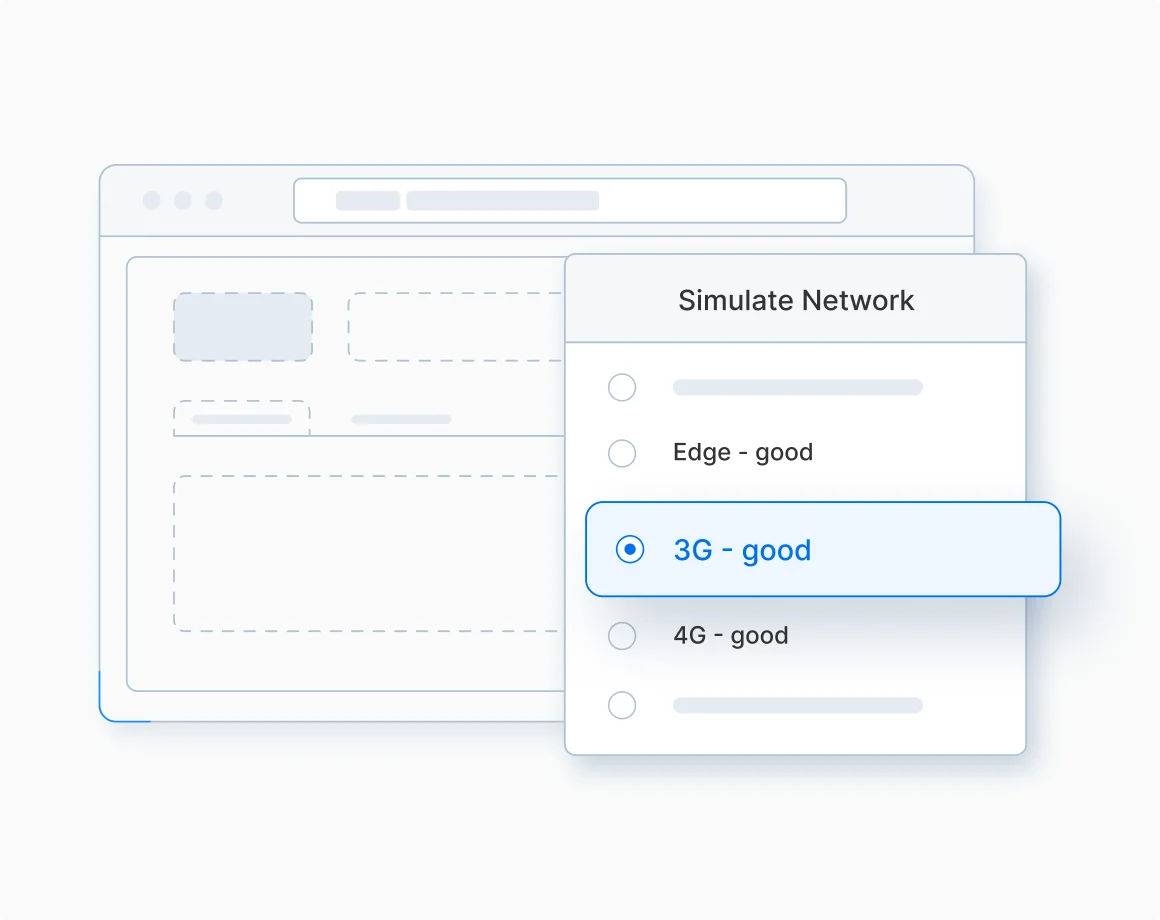
Simulate 3G, 4G or offline to test real-world conditions.
Users don't always have perfect WiFi, so why test like they do? Simulate 3G / 4G / custom speeds, latency and failures, or go fully offline. Build for the real world, not your office WiFi.
10Cookie & Cache Manager
Debugging user state without DevTools.
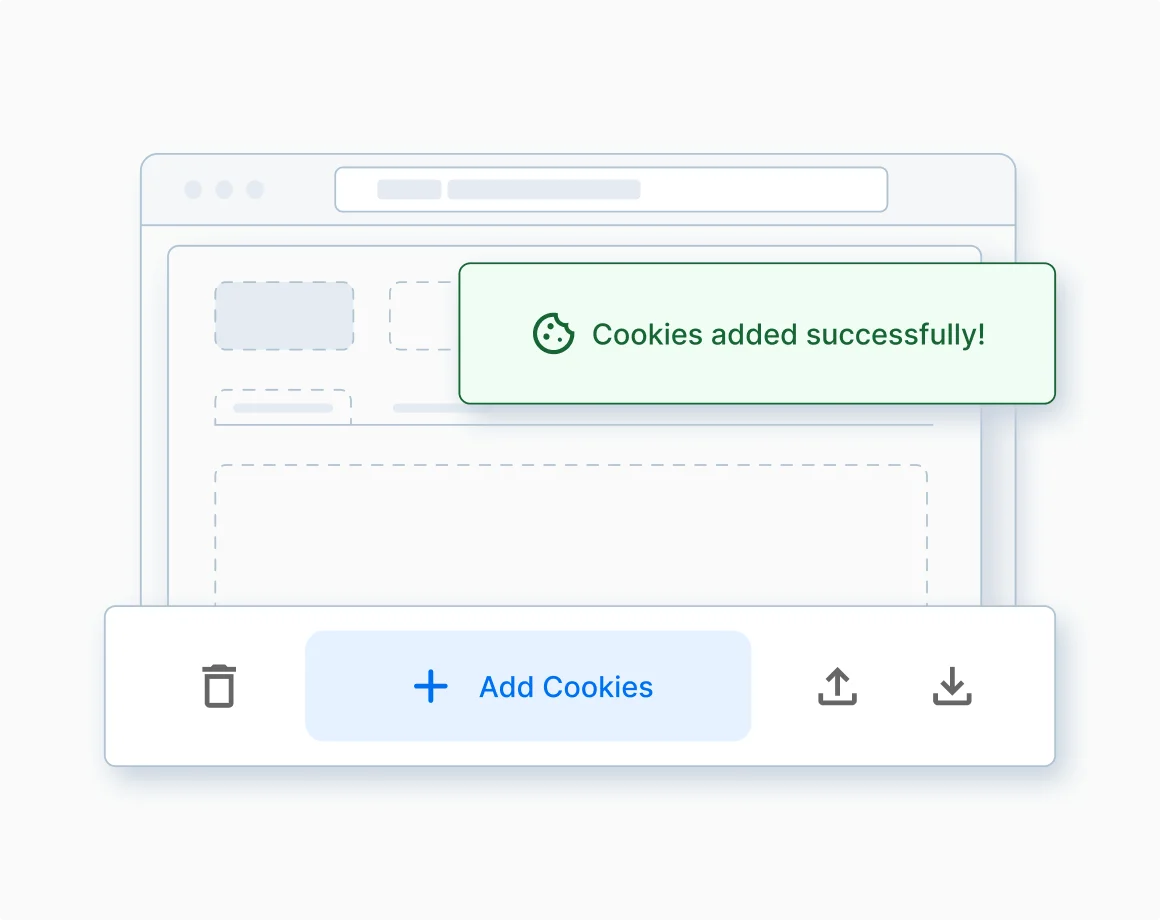
Cookie Manager: search, edit and delete cookies, simulate user sessions, with real-time updates and no reloads.
Cache Manager: clear site data with granular control over what gets wiped, then auto-reload.
11AI Spellchecker
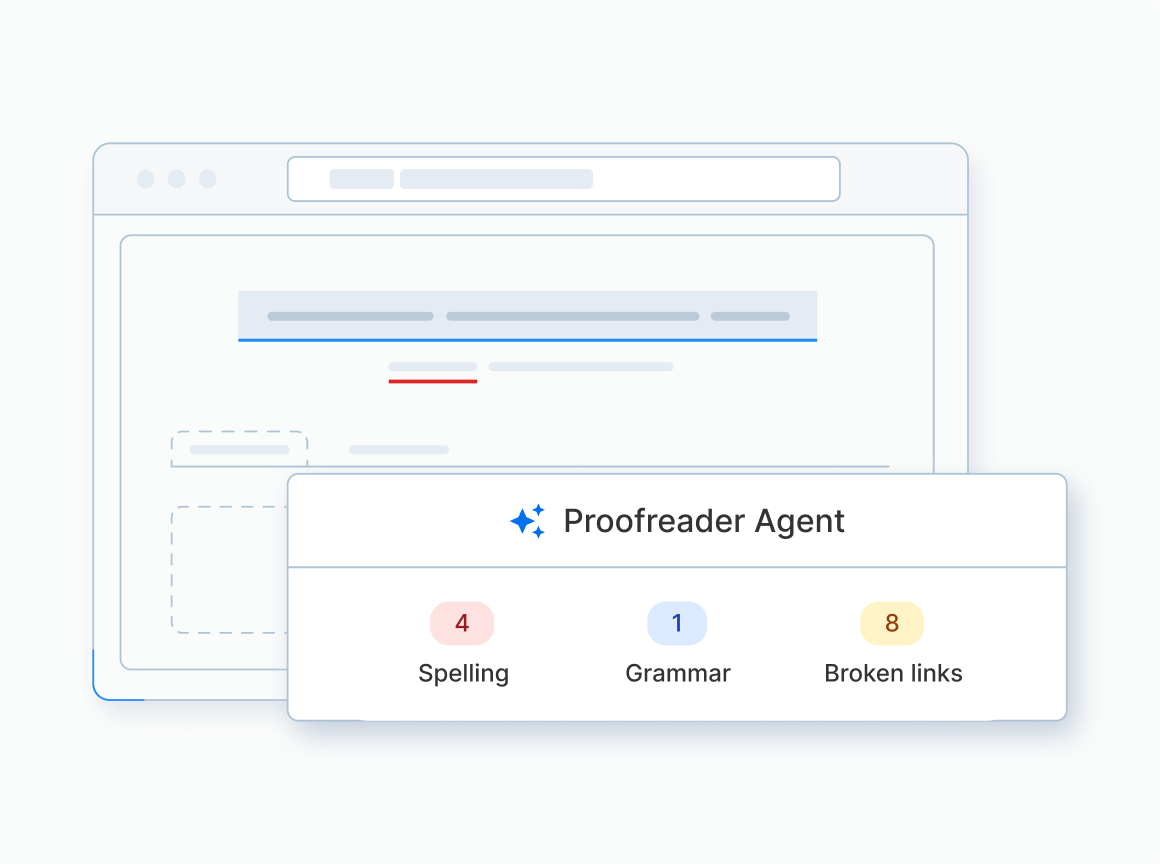
Catch broken links, typos and grammar errors across your UI.
Tiny bugs, huge impact. Context-aware, so no false positives on dev terms. Clean UI = trust.
12AI Test Case Generator
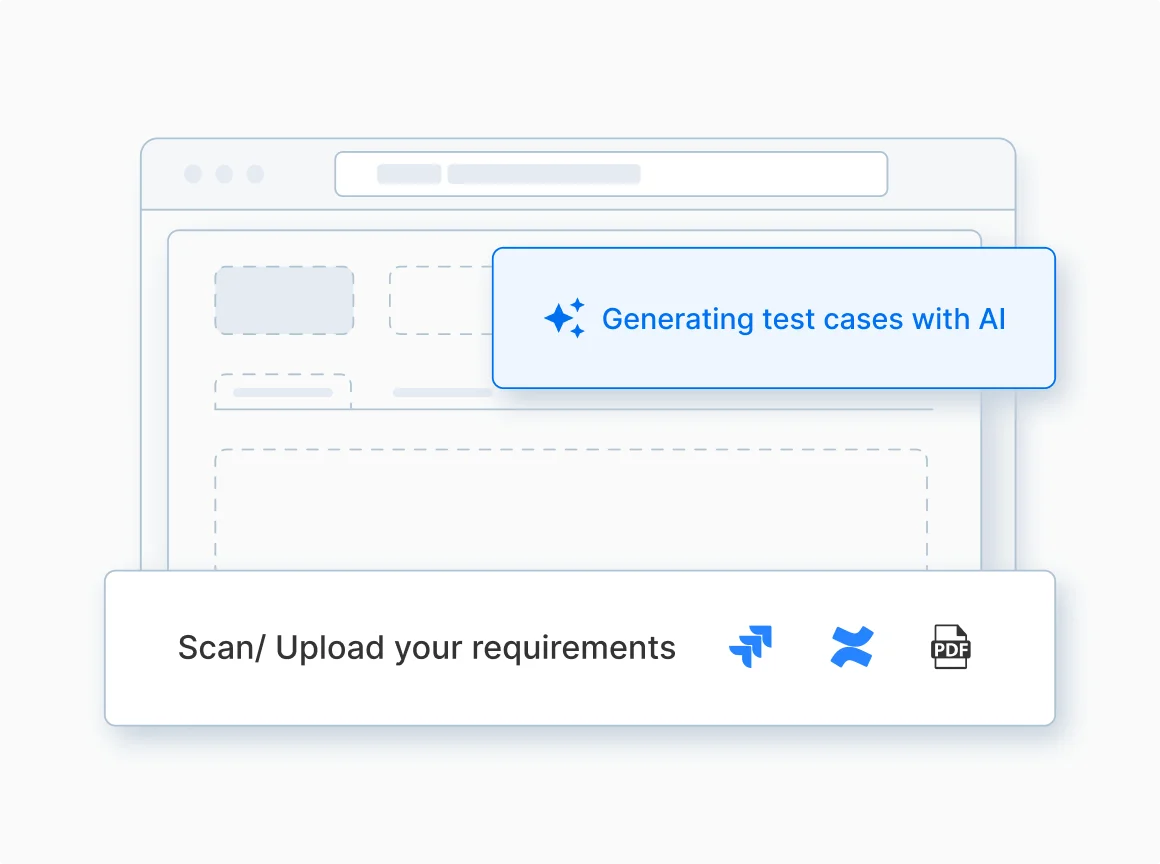
PRDs and user stories → structured test cases, 90% faster.
Writing test cases is slow, so we automated it: steps, expected results and preconditions filled in for you. And your data stays private.
Behind the scenes
Honestly one of the most insane learning experiences. It felt like building a startup inside BrowserStack.
We scaled Testing Toolkit to 30k users and went from idea → shipping features in days. JSON Formatter and Responsive Testing went from nothing to production in 2–3 days. Constantly suggesting ideas, shipping fast, and learning from insanely smart seniors.
From the outside it looks like just a Chrome extension. Behind the scenes:
- Rails backend, auth flows, payments & subscriptions
- Kubernetes infra and AI pipelines
- Scalability, rate limiting and external API orchestration
- Growth experiments
It wasn't just building features. It was learning how real products get built, scaled and shipped.
Until then, keep building <3